
Back to: Robotics & Artificial Intelligence (Class X)
Machine Intelligence and the Turing Test
What is Machine Intelligence?
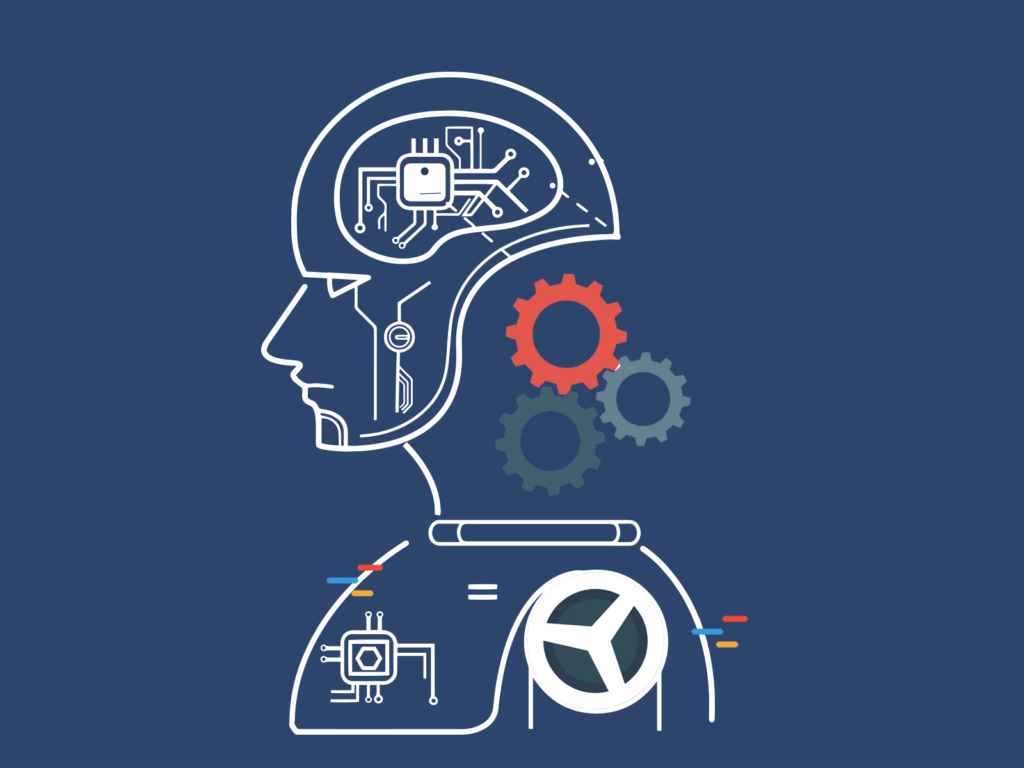
Machine intelligence refers to the ability of a machine or a computer system to perform tasks that typically require human intelligence. These tasks include:
- Understanding language: Like how Siri or Google Assistant talks to us.
- Solving problems: For example, a calculator or a chess-playing robot.
- Learning from data: Like how YouTube recommends videos based on what you watch.
What is the Turing Test?
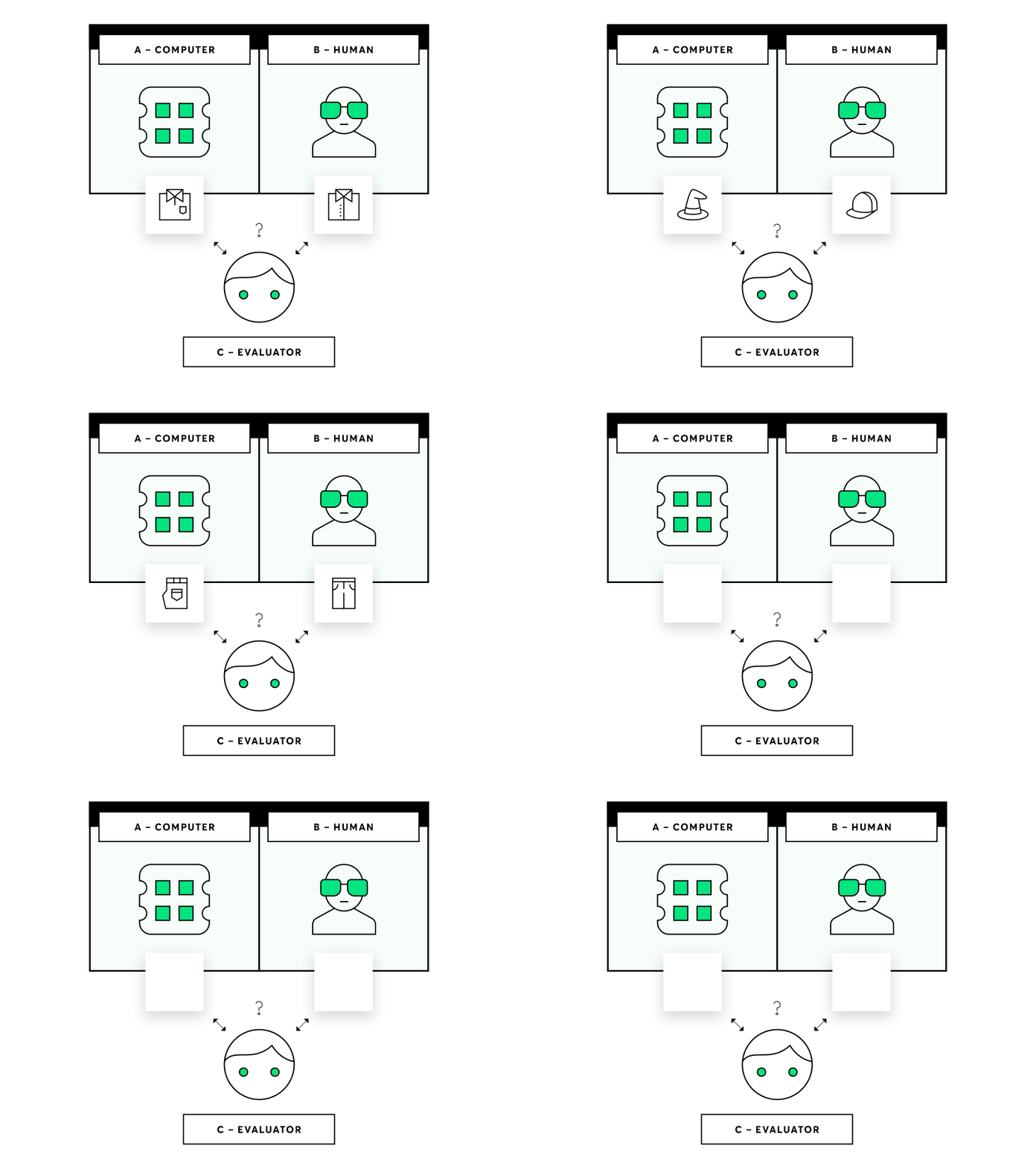
The Turing Test was introduced in 1950 by a famous mathematician and computer scientist, Alan Turing. It is a way to check if a machine can think or act like a human.
Or
The Turing Test is a simple way to check if a machine can act like a human. If a person cannot tell the difference between a human and a machine during a conversation, the machine has passed the test. It’s a big idea in the world of artificial intelligence!
How does the Turing Test work?
Imagine a game:
1. There is a human questioner sitting in one room and two participants in another room — one is a human and the other is a machine.
2. The questioner talks to both participants using written messages (no voices, no faces — only text).
3. The questioner tries to figure out which one is the human and which one is the machine by asking questions.
4. If the machine can trick the questioner into thinking it is human, then it “passes” the Turing Test.
Why is the Turing Test important?
- It helps us measure how “smart” or “humanlike” a machine is.
- It is one of the earliest ideas about testing artificial intelligence (AI).
Examples of Turing Test in Action
1. Chat-bots: Have you ever talked to a chat-bot on a website and felt like it was a real person? That’s similar to the Turing Test!
2. AI in games: Some video games have AI opponents that behave like real players.
Limitations of the Turing Test
1. Not perfect: Just because a machine passes the test doesn’t mean it “thinks” like a human. It might just be good at mimicking humans.
2. Doesn’t measure true understanding: A machine might answer questions correctly without really “understanding” them.
Cyber-Security
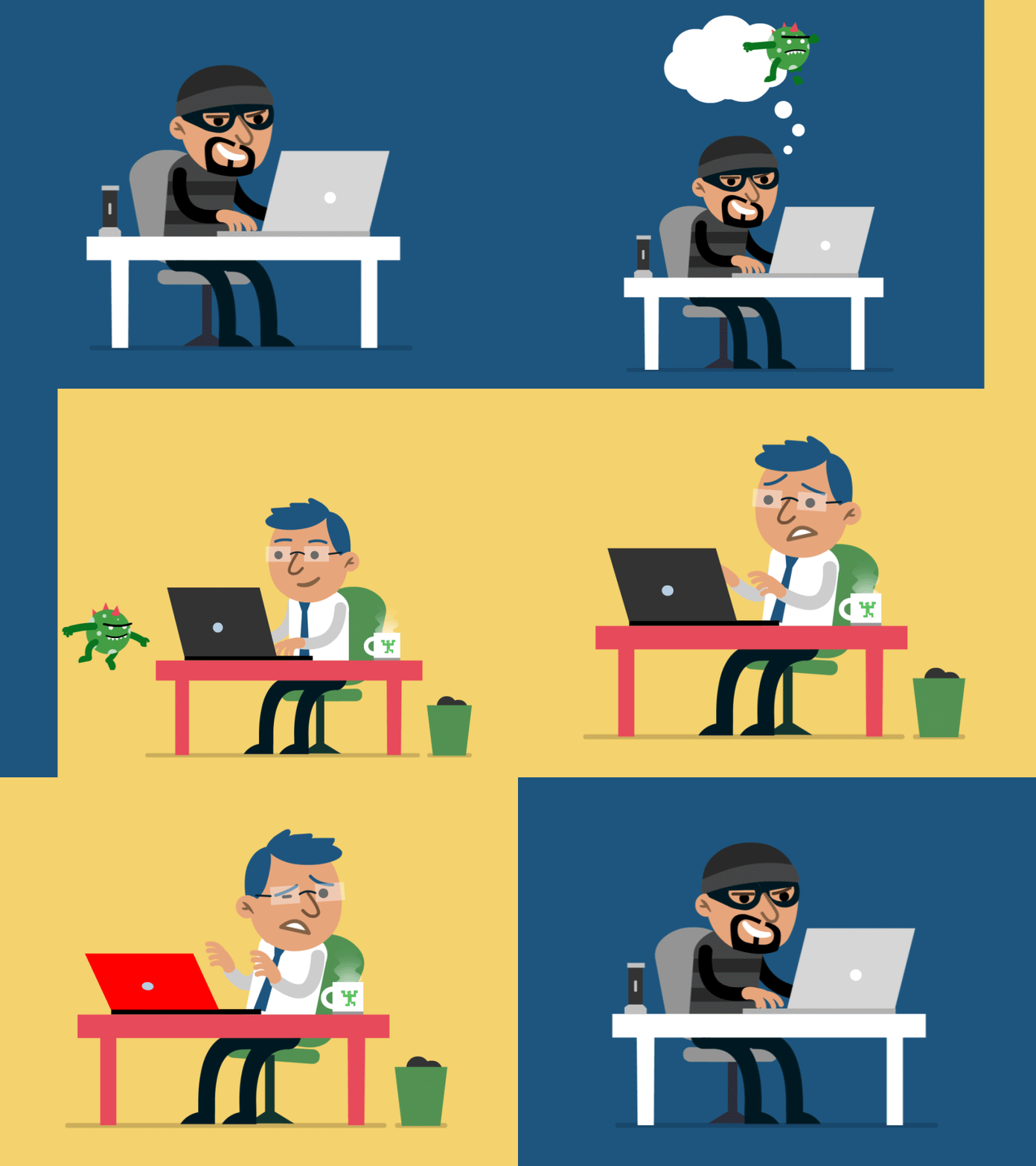
Cyber-security is the practice of protecting computers, mobile devices, networks, and data from being attacked, hacked, or misused. It ensures that information stays safe and private in the digital world.
Think of cyber-security as a lock and key system for your devices and online information. It keeps unwanted people (hackers) from stealing or damaging your data.
Why is Cyber-security Important?
1. Protects Personal Information
Your personal data (like passwords, photos, and bank details) needs to be secure so it doesn’t fall into the wrong hands.
2. Prevents Financial Loss
Cyber-attacks can steal money or cause businesses to lose valuable information.
3. Keeps Systems Working Properly
A secure system ensures websites, apps, and devices function without interruptions.
Common Cyber Threats
1. Hacking
This is when someone tries to break into your computer or account without permission.
2. Phishing
Fake emails or messages trick you into sharing sensitive information like passwords or bank details.
3. Viruses and Malware
- Harmful software that can damage your computer or steal your data.
- Virus: Infects your computer and spreads to other files.
- Ransom-ware: Locks your files and demands money to unlock them.
4. Identity Theft
When someone steals your personal information and pretends to be you.
How to Stay Safe Online
1. Use Strong Passwords
Create passwords with a mix of letters, numbers, and symbols. Avoid easy ones like “123456” or “password.”
2. Enable Two-Factor Authentication (2FA)
This adds an extra layer of security by sending a code to your phone when you log in.
3. Avoid Clicking on Suspicious Links
Don’t open unknown links in emails or messages.
4. Keep Your Software Updated
Updates fix security holes that hackers can exploit.
5. Use Antivirus Software
It protects your device from viruses and malware.
6. Be Careful on Public Wi-Fi
Avoid accessing sensitive information like bank accounts on public networks.
Cyber-security in Daily Life
1. Social Media Safety:
Don’t share personal information publicly, like your home address or phone number.
2. Online Shopping:
Shop only on trusted websites. Look for “https” in the URL for secure connections.
3. Email Awareness:
Don’t trust emails asking for your password or money. They could be scams.
Careers in Cyber-security
Cyber-security is a growing field, with many exciting job opportunities like:
- Ethical Hacker: Finds and fixes security flaws.
- Cyber-security Analyst: Monitors and prevents cyber-attacks.
- Forensic Expert: Investigates cybercrimes.
Cyber-security is about protecting our devices and data from cyber threats like hackers and viruses. By following simple safety tips like using strong passwords and avoiding suspicious links, you can stay safe online!